
Don't just make an app.
Make an impact. Make a connection. Make a difference. Hell make a profit. Make new fans. Make people believe. Make people’s days. Make it beautiful. Make it unmissable. Make it memorable. Make it make your competitors jealous. Make people feel they can’t live without it. Make it last. Make it better. Make it unique. Make it now. Make it with Twixl.Creating an app is about showing a communication concept, about offering captivating content, features that make life easier, creativity, … It’s about connecting emotionally with your users, about understanding their behavior and about guiding them all the way. This is what you can do with Twixl…


































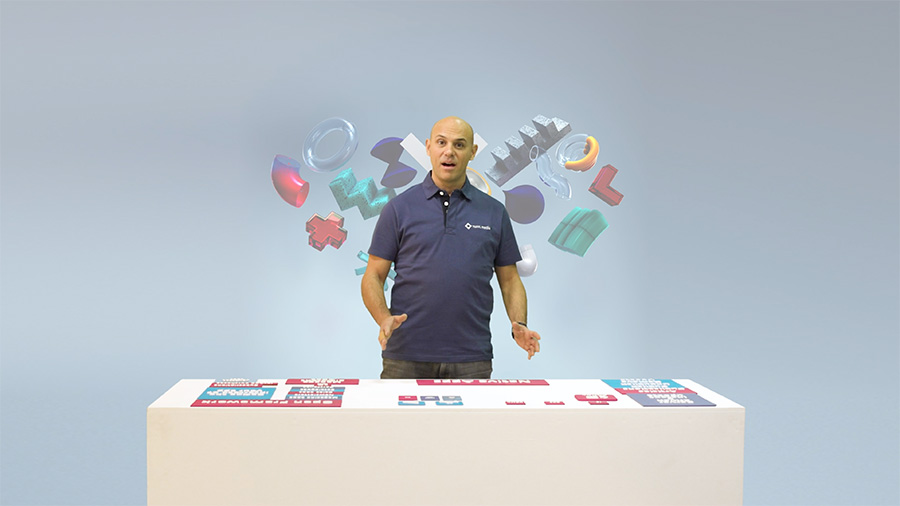
4 Components
Twixl Publisher is a creative platform that enables you to create your own native apps and to instantly manage all the contents in the app.
1. Plug-in for Adobe InDesign
With this plug-in you can enrich your InDesign-based content.
2. The Twixl app
This free app store app lets you preview what you are creating in real time on your device, and lets you share it with others.
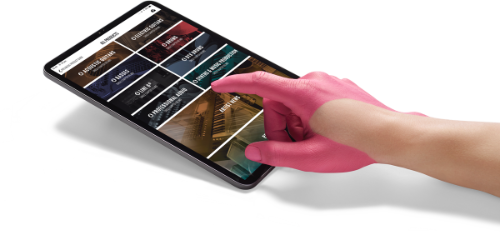

3. The macOS builder app
The macOS app creates the app builds for your native apps for iOS and Android. This can be a phone only, a tablet only or a universal app. It saves all your app settings to make it even easier to update your app.
4. Twixl Distribution platform
On the Twixl Distribution Platform you define and manage the interface of your app. You decide who has access to which content, you send push notifications and you monitor the usage of your app. But above all you publish your content, whether it’s HTML-based, InDesign-based, video or audio content or just a PDF.

Create > Present > Build > Distribute
With Twixl you create your content using your preferred creation tools, you define the interface of your app and the navigation, you integrate the services you need, you build a native app and you get a platform to distribute your content worldwide, in the app stores or in-house.
-
Multiple content types
Create responsive HTML-based content
Integrate web services
Create InDesign-based content and enrich it with our plugin
Publish PDFs, images, movies, ...An app created with Twixl can contain different types of content items. You can publish HTML-based content, InDesign-based content enriched with our awesome plug-in, plain PDF content, images, and movies. In addition, you can also easily include any type of web content, whether online or embedded. This is often used to integrate services in the app. Content can be pushed from external content sources like a CMS or content can also be pulled from RSS feeds, so that every new article in the feed will automatically appear in the app. You can easily make changes to your app on the fly, and new content will always be available to your users instantly.
-
Multiple platforms
-
App interface
The beast behind the beauty
At Twixl, we give storytellers the tools to make mobile content look beautiful right out of the box – without knowing a line of code.
Here’s an overview of our main features:


Entitlement
Lets you manage who can access which content, and for how long. This can be used to manage subscribers of a magazine but also allows companies to define access based on users and groups criteria.
Content segmentation
Using advanced scripting you can filter the content that’s displayed in the app, based on a number of properties like language, geolocation, categories, etc.
Integration API
Twixl Publisher lets you easily integrate with different solutions for automated production flows and lets you push content to the Twixl Distribution Platform and into your app.
Automated content sources
Lets you integrate RSS feeds or news feeds from your web site, or basically any site, in your app. This could also be a YouTube or Vimeo Channel. It gives you the ability to create a constant flow of content in your app and so to offer added value in your app in a very easy way.
Browser client
The ‘browser client’ brings the whole article-based app experience to the web, all your content, and your browse pages. All content can be published to both your app and your web site. All interactive elements are supported, all updates are instant.
Custom URL
By default the content of the browser client is accessible from a Twixl domain, ‘https://browserclient.twixlmedia.com', but you can setup an optional ‘custom domain’ so it appears as if it is published on your own domain.